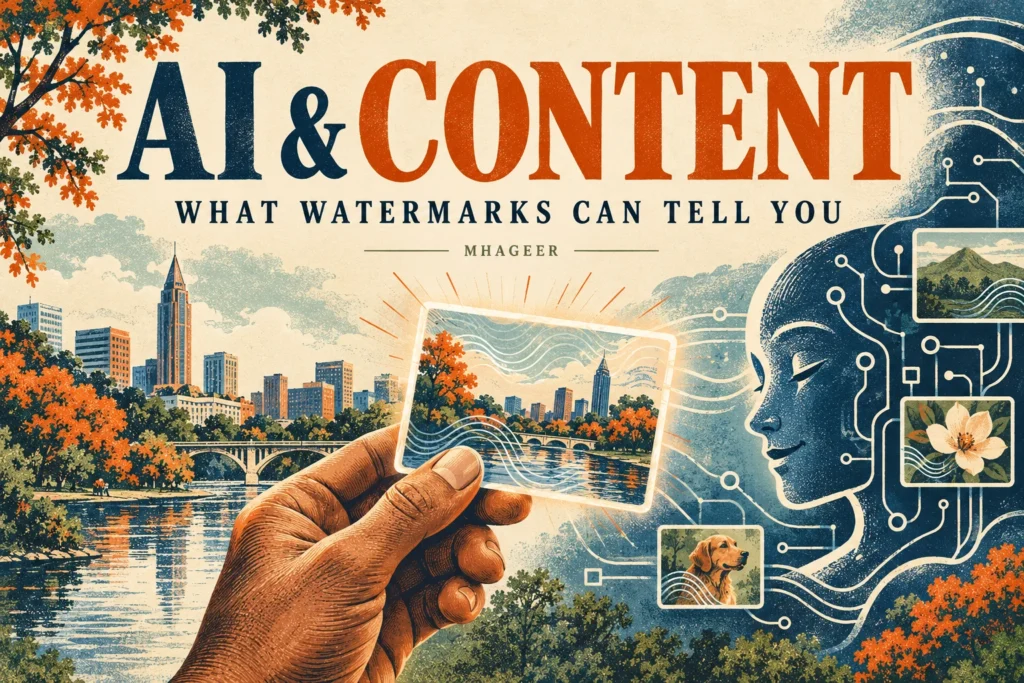
AI-generated images, voice clips, and writing are showing up in everyday feeds. As more tools attempt to identify synthetic content, one question matters: what does an AI watermark actually prove? For Atlanta creators, local businesses, and anyone sharing information online, the useful answer is nuanced. A watermark can offer a clue about a file’s history, but it cannot certify that a claim is true or tell you who made it.
A recent update from OpenAI makes the topic timely. The company says it will begin adding invisible text watermarks to eligible ChatGPT and Codex output in the European Union over the coming weeks, while API customers can opt in for select models. The announcement also stresses that watermarking and detection have limits. Here’s how to think about that in practice.
What is an AI watermark?
A watermark is a signal embedded in content that may help identify how it was generated or edited. A visible watermark is easy to recognize, like a label on an image. An invisible watermark is designed to be detected by software, even though a person may not see it while reading or viewing the content.
OpenAI describes its text approach as a statistical signal in word choices. The company says its API option is off by default and that text watermarking for eligible ChatGPT and Codex output will roll out in the EU. That makes the announcement different from a universal label on every AI-generated sentence. Availability and behavior depend on the tool and setting.

What can an AI detector tell you?
A detector may find signals that are consistent with output from a particular system. That can be useful in research or content review, especially when paired with other evidence. It is not the same as proving authorship. A detector does not necessarily show who prompted a tool, how much a person edited the result, or whether the final work is accurate.
OpenAI reports that its detector performed better on longer passages in its own tests and that editing text with synonyms reduced detection rates. It also notes that short or constrained writing is harder to classify. These are company-reported evaluations, not a guarantee for every detector, model, language, or real-world passage.
There are two basic failure modes. A false positive labels human writing as AI-generated. A false negative misses a watermark that is present. Because of those risks, OpenAI says access to its text detector will initially be limited to approved researchers and expert organizations.
What a watermark cannot prove
A watermark is not a fact checker. It cannot confirm a photo shows the place or event its caption describes. It does not establish that a statement is reliable, that a person intended to mislead readers, or that a particular individual created the content. And a detector finding no watermark does not prove a human wrote the passage.
Editing, translation, short length, or unsupported tools can make a signal harder to find. For that reason, treat detector results as one piece of context, not a verdict. For a consequential decision, look for primary sources, original files, publication history, and independent corroboration.
How Atlanta creators and businesses can use labels well
For a local restaurant, photographer, event organizer, or neighborhood guide, clear context often helps more than a technical badge alone. If an illustration is AI-generated, say so in its caption. If AI helped draft copy but a person checked the facts and shaped the final piece, describe that workflow plainly when readers would benefit from knowing.
- Label illustrative images. Tell readers when a scene is conceptual and not a photograph of the actual place.
- Check claims before publishing. Verify dates, prices, addresses, policies, and opening hours with the organization responsible for them.
- Keep source links. Link to official announcements or documentation for claims that may change.
- Use human review. A person should check names, context, tone, and possible errors before publication.
- Protect private information. Do not paste customer, employee, or unpublished personal details into an AI service without a suitable policy and authorization.

A simple way to evaluate a suspicious post
Start with the original source. Is there a full article, official account, or primary document behind the screenshot? Check whether reputable outlets or the organization itself confirm the same details. Look for signs that an image may have been cropped or presented without context. Then ask what the detector actually measured and how reliable it is for that kind of content.
When the source is uncertain, share the uncertainty. A careful “I haven’t verified this yet” is more useful than a confident claim based only on an automated score. Provenance tools can add context, but good sourcing and judgment still matter.
What this means for readers
AI provenance is becoming part of how platforms and publishers explain where content came from. OpenAI says it is taking a phased approach because text watermarking is still developing and can be weakened by editing. The practical takeaway is straightforward: labels and detectors can help, but they work best alongside transparent publishing, primary sources, and human review.
For more from Mhageer, browse our Technology & AI stories and our practical guide to AI trip planning in Georgia.
Checked October 6, 2026. Rollout timing and product behavior may change; consult current official documentation. This article is general information, not an AI-authorship determination.