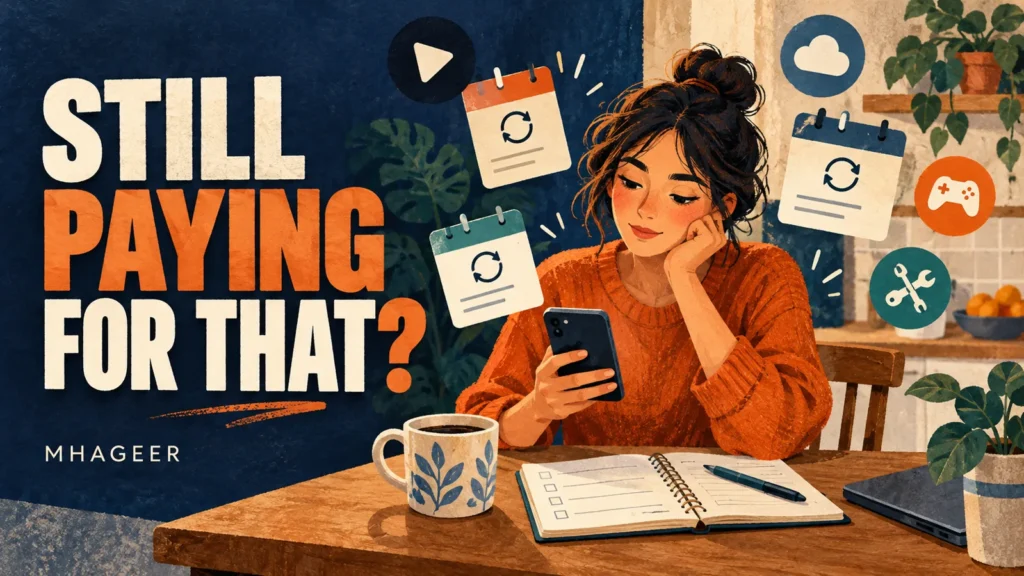
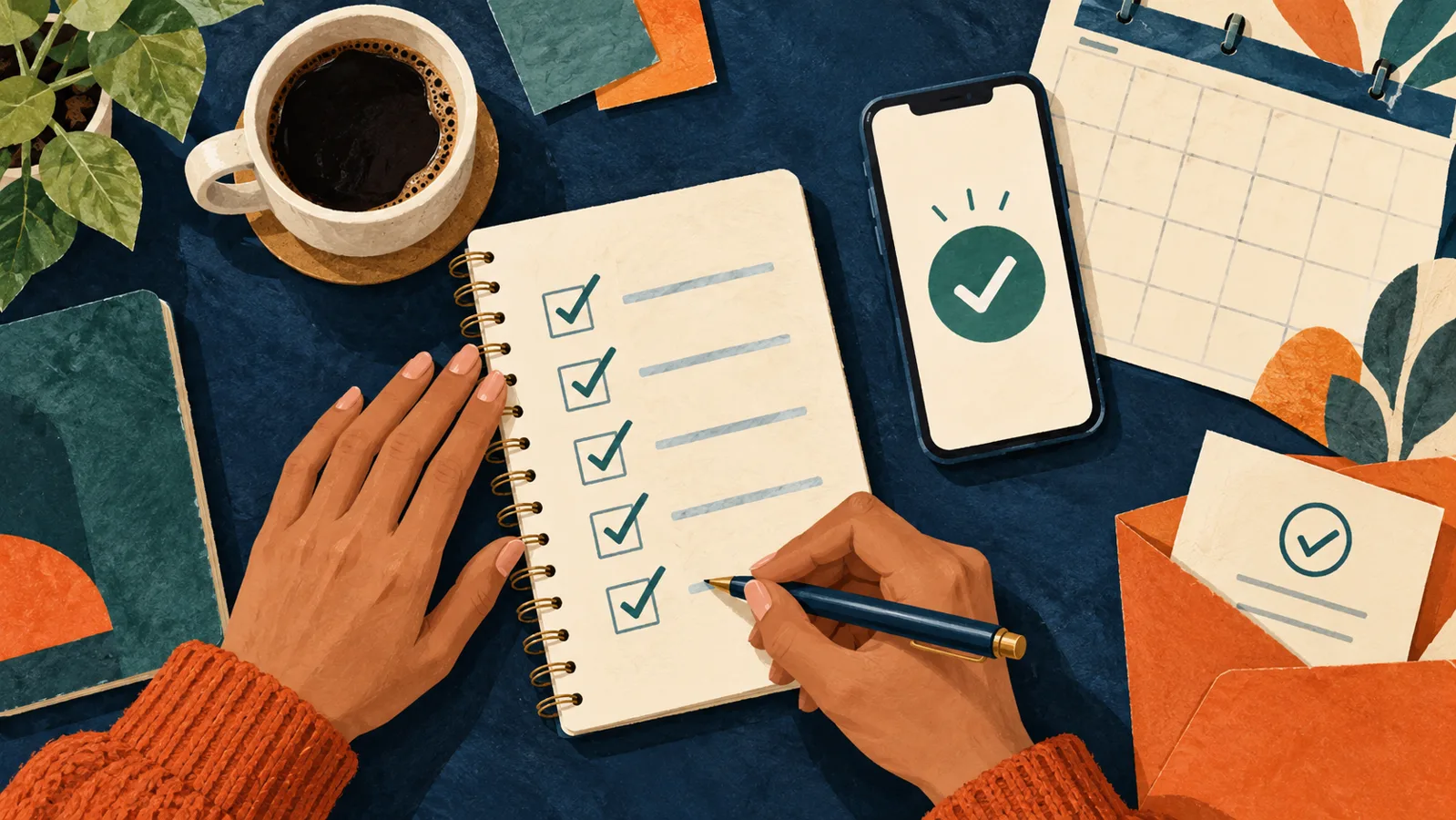
Cover: AI-generated editorial illustration, not a real account or app screen.
One streaming service for a show everyone was talking about. An editing app for a project. An AI tool you wanted to try for a week.
Each one made sense when you signed up.
Then the project ended, the show finished, and the app moved to the last page of your phone. The payments kept going.
If your monthly statement includes a few “Wait, what is that?” moments, it is time for a subscription check. Pour a coffee, open your accounts, and give those recurring charges a little attention.
Follow the charges
Start with your bank and credit-card statements. Your phone’s subscription settings are useful, but they will not necessarily show services you purchased directly from a company.
Look through recent months, then check farther back for annual renewals. Search your inbox for words such as “subscription,” “receipt,” “renewal,” and “trial.”
The FTC recommends monitoring statements for recurring charges and tracking when free trials end.
Write down the service, its cost, the next renewal date, and where it is billed. A simple note is enough.
You probably do not need another subscription to organize the subscriptions.
Would you buy it again today?
That is a useful question when you cannot decide what to keep.
Maybe you use the service every week. Maybe someone else in your household depends on it. Or maybe you have been paying for the possibility of using it someday.
Think about:
- When you last used it.
- Whether another subscription does the same job.
- Whether you would sign up again at today’s price.
Put monthly prices into yearly terms, too. A hypothetical $15 monthly charge becomes $180 over 12 months, before taxes or price changes.
Keep what earns its place. Give the forgotten ones a closer look.
Find the right place to cancel
Here is where things can get confusing: the app you use may not be the company billing you.
Check your receipt or statement first.
If Apple bills you
On an iPhone, open Settings, tap your name, then choose Subscriptions. Select the service and tap Cancel Subscription.
If you cannot find it, check the Apple Account on the receipt. It may also be billed directly by another company. For unwanted trial renewals, Apple advises canceling at least 24 hours before the trial ends. See Apple’s cancellation instructions.
If Google Play bills you
Open your subscriptions in Google Play, select the service, tap Cancel subscription, and complete the instructions.
Make sure you are signed into the Google Account used for the purchase. And remember: uninstalling the app does not cancel the subscription. See Google Play’s cancellation instructions.
If the company bills you directly
Go to its official website and look for billing, account, or membership settings. Follow the cancellation instructions through to the final confirmation.
Closing the browser halfway through is an easy way to leave the job unfinished.
Save your files before saying goodbye
Some cancellations need a little preparation.
Before ending cloud storage, an editing service, or an AI tool, check what happens to your saved work. Download anything you need and make sure the files open.
If it is a shared account, check with the people using it.
That old streaming subscription might be an easy decision. The account holding your family photographs deserves more care.
Keep the cancellation confirmation
You may see a discount, a pause option, or another offer before reaching the end.
Read each screen. Make sure you have canceled renewal rather than changed the plan or paused billing temporarily.
Save the confirmation email or a screenshot showing the relevant dates.
Check when access ends, too. Cancellation does not automatically mean a refund. Google Play generally allows access for the period already paid, while subscriptions with payment-plan commitments can still require remaining payments. Check Google Play’s subscription guidance.
Check the next statement
Once you have canceled, set a reminder to look again.
If another charge appears, compare its date with your confirmation and the subscription terms. Contact the company through its official support channel and keep a record.
The FTC recommends disputing charges with your card provider if a company continues billing after cancellation.
Stopping an automatic payment is also different from ending a contract. It does not erase an amount you still owe. See the CFPB’s automatic-payment guidance.
Save this: the Mhageer subscription check
A useful subscription can make everyday life easier. A forgotten one just keeps sending the bill.
Give your list a few minutes this weekend. You might find something worth keeping—and something you stopped needing months ago.
Editorial note: Written by Mhageer. Guidance checked October 10, 2026 using the official Apple, Google Play, FTC, and CFPB resources linked above. Subscription terms and account screens may change. Both illustrations are AI-generated concepts and do not depict real account information.