Running a small business in 2026 means wearing too many hats: marketing manager, customer service rep, bookkeeper, content creator, scheduler, and sometimes emergency printer fixer. AI will not magically do the whole job for you, but the right tools can take a lot of the repetitive work off your plate.
The trick is not downloading every shiny new app. Start with tools that solve real daily problems: writing, design, office work, automation, and customer follow-up.

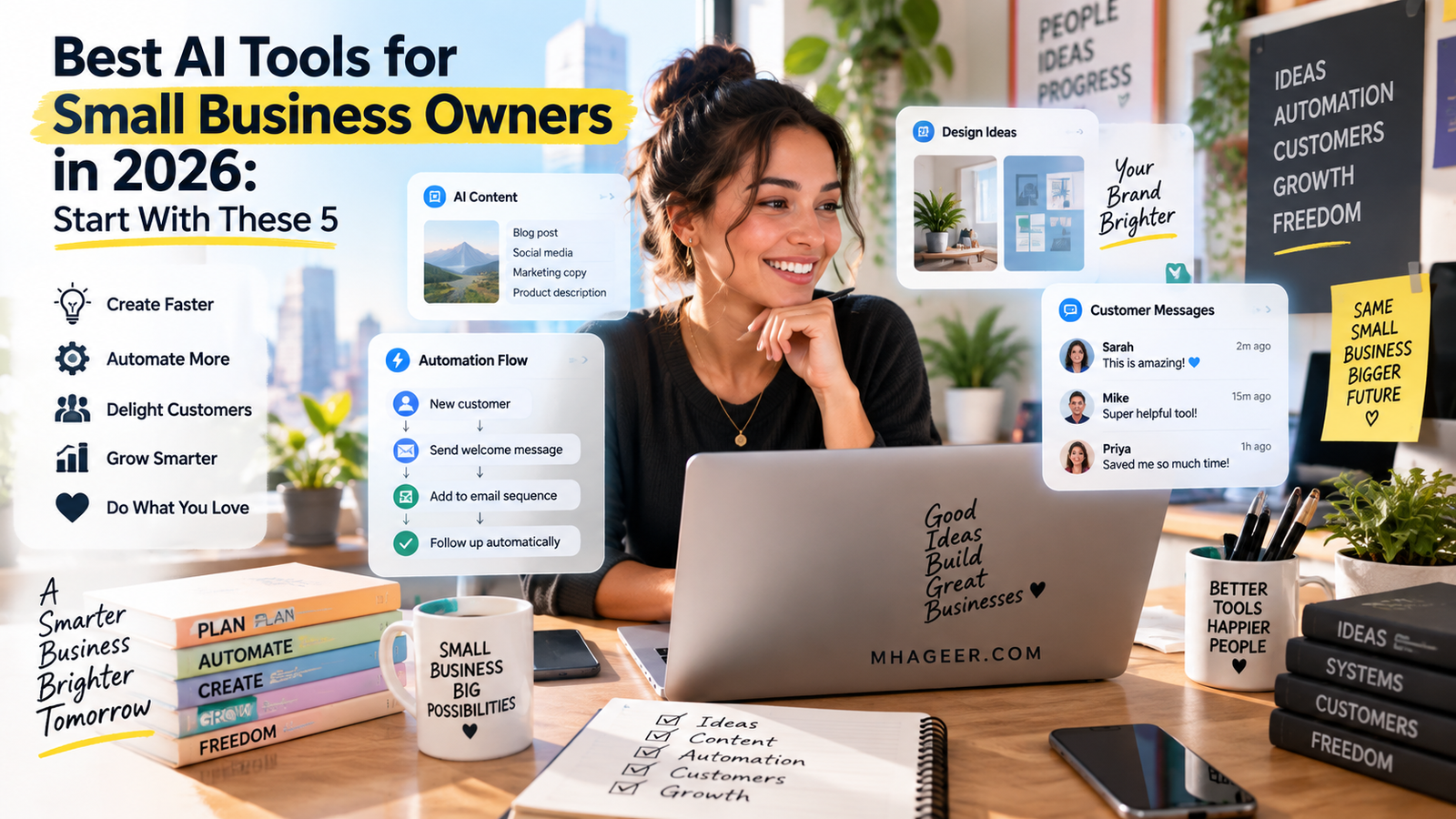
Generated blog image: a small business owner using an AI assistant for everyday work.
1. ChatGPT for Writing, Planning, and Everyday Ideas
If your business needs emails, captions, blog posts, product descriptions, FAQs, job posts, customer replies, or meeting notes, ChatGPT is one of the easiest AI tools to start with. OpenAI says its ChatGPT Business product gives teams a secure workspace with shared company context, admin controls, flexible seats, and connected plugins ChatGPT Business.
For a small business owner, this can save time in very practical ways. You can ask it to turn rough notes into a clean email, rewrite a service page, create a weekly content calendar, summarize customer feedback, or brainstorm offers for a slow month.
OpenAI also launched a ChatGPT Small Business Program to help small businesses use ChatGPT at work, showing how much attention AI companies are now putting on smaller teams, not just giant corporations OpenAI.
The best use is simple: treat it like a smart first-draft helper. You still check the facts, adjust the tone, and make sure it sounds like your business.

Generated blog image: AI-assisted design work for flyers, menus, and social media posts.
2. Canva AI for Fast Graphics
Every business needs visuals now. Restaurant menus, Instagram posts, flyers, sale graphics, event announcements, thumbnails, and simple ads all need to look clean enough to trust. That is where Canva AI is useful.
Canva says its AI assistant can help generate text, images, designs, and even interactive widgets from prompts or voice input Canva AI Assistant. Canva also says its newer AI tools can turn generated designs into editable layouts, generate design elements, and help create templates Canva AI.
For a local shop, food business, service company, or creator, Canva AI is great for quick marketing. Need a weekend special graphic before lunch? Need a polished flyer for a community event? Need five versions of a Facebook ad because the first one feels boring? Canva helps you move faster without starting from a blank page.
Just keep your brand consistent. Use the same colors, fonts, logo placement, and photo style so your business looks familiar every time people see it.

Generated blog image: AI helping organize documents, spreadsheets, email, and business planning.
3. ChatGPT Work for Documents, Research, and Team Tasks
Once your business has more than one person touching the same information, things can get messy fast. Who has the latest price list? Where is the vendor note? Did anyone answer that customer? Why are there five versions of the same spreadsheet?
OpenAI says ChatGPT Work can help create documents, decks, spreadsheets, and automate background tasks while connecting with tools and plugins OpenAI Business. That matters because the best AI tool is often the one that fits into the work you already do.
A small business could use it to draft a training guide, clean up a messy policy document, summarize a vendor contract, prepare a meeting agenda, or turn notes into a customer proposal.
This is especially helpful for businesses that are growing from “I remember everything” into “we need a system before we lose our minds.”

Generated blog image: automated workflows connecting forms, email, calendars, and customer tasks.
4. Zapier for Automating Repetitive Work
Zapier is useful when your business keeps doing the same tiny task again and again. A customer fills out a form, then someone copies the info into a spreadsheet. A new lead comes in, then someone sends an email. A paid order happens, then someone updates a list.
Zapier says it helps businesses build AI workflows and agents across more than 9,000 apps without code Zapier. Its AI automation guide explains how triggers, actions, and conditional logic can move data between business systems Zapier AI Automation.
For a small business, good automations might include:
- Send a welcome email after a contact form is submitted
- Add new leads to a spreadsheet or CRM
- Create a task when someone books a consultation
- Notify the team when an order needs follow-up
- Save customer questions for future FAQ content
Start with one annoying task. If you save 10 minutes a day, that is more than 40 hours a year. Tiny wins add up quietly, then suddenly your week feels less chaotic.

Generated blog image: customer follow-up dashboard inspired by a small business CRM.
5. HubSpot CRM for Customer Follow-Up
Many small businesses do not lose customers because their product is bad. They lose them because follow-up gets messy. A lead asks a question, someone means to reply, the day gets busy, and the opportunity disappears.
HubSpot’s small business CRM includes contact management, email integration, email tracking, pipeline management, and task management HubSpot Small Business CRM. HubSpot also says its free CRM includes tools for contacts, deals, tasks, email templates, meeting scheduling, live chat, and quotes HubSpot CRM.
That is useful for service businesses, restaurants with catering leads, real estate teams, consultants, repair companies, event vendors, and online shops. The goal is simple: every customer conversation should have a place to live.
HubSpot also offers AI CRM features designed to unify customer data and help teams create more personalized customer experiences HubSpot AI CRM.
The Best Starter Stack
If you are starting from zero, do not overthink it.
For a solo owner, start with ChatGPT and Canva. That covers writing, ideas, posts, flyers, and basic marketing.
For a local service business, use ChatGPT, Canva, and HubSpot. That gives you content, design, and customer follow-up.
For a busier team, add Zapier so your apps talk to each other and your team spends less time copying information from one place to another.
AI works best when it removes friction from the boring parts of business. It should help you answer faster, market better, stay organized, and get back to the work only you can do.